


Buying a ticket is an act of faith.
Your audience hands over their money weeks, sometimes months, before your event takes place. They're trusting that it'll be worth it, that you'll deliver, that their plans won't fall apart, and that if something does go wrong, they won't be left out of pocket.
That trust isn't just nice to have. It's the difference between someone who clicks 'buy' and someone who sits on the fence.
Plus, with lots of recent headlines about high ticket fees, scam ticket sales, and AI events, ticket buyer trust is more important than ever.
The good news? A few simple tools and settings in your Ticket Tailor box office can give your buyers real confidence that they're in safe hands. Here's how to make the most of them.

Why trust matters more than ever
The ticketing industry has had a rough few years in the headlines. Hidden fees, fake tickets, inflated resale prices, and platforms that treat buyers as a marketing opportunity rather than a person. The knock-on effect is that audiences are warier at checkout than they used to be.
A survey by Narvar found that 96% of consumers are more likely to purchase from a brand that offers an easy and flexible returns process. And over 80% of ticket buyers say they're more likely to purchase a ticket in the first place if they know there's an option to resell it at a later date.
People want to feel secure, not just excited. And when you give them that security, they're far more likely to commit early - which is great news for your cash flow and your sell-out potential.
The three pillars of trust in ticketing
Research consistently shows that consumer trust is built on three things: transparency, honesty, and consistency. They sound simple - and they are. But in the ticketing world, all three are more easily broken than you might think.
Transparency means no surprises. It means your buyers know what they're paying, what your refund terms are, and what happens if their plans change. They want to know this before they hand over their money. Hidden fees are one of the most cited reasons for cart abandonment in online ticketing, and they're one of the fastest ways to lose a customer's confidence. Being upfront about pricing, terms, and policies isn't just good practice, it grows confidence in the long term.
Honesty is transparency's close relative, but it goes a step further. It's about setting expectations you can actually meet, and communicating openly when things change. If your event is rescheduled, say so clearly, and early. If your refund policy has limits, spell them out. Buyers who feel they've been kept in the loop (even when things go wrong) are far more forgiving, and far more likely to come back.
Consistency is what turns a one-time buyer into a loyal audience member. Brands that consistently deliver positive experiences build trust over time. When consumers have the same reliable experience repeatedly, they develop genuine confidence in what you do. In practice, that means every touchpoint should reflect your events. From your event page to your confirmation email, the greeting on the door or your reviews online, all contribute to building a consistently positive experience for your event goers.
The good news is that all three are well within your control. And Ticket Tailor gives you the tools to put them into practice, right from your box office.
So what tools can you use to make sure you’re building that trust right from your event page:
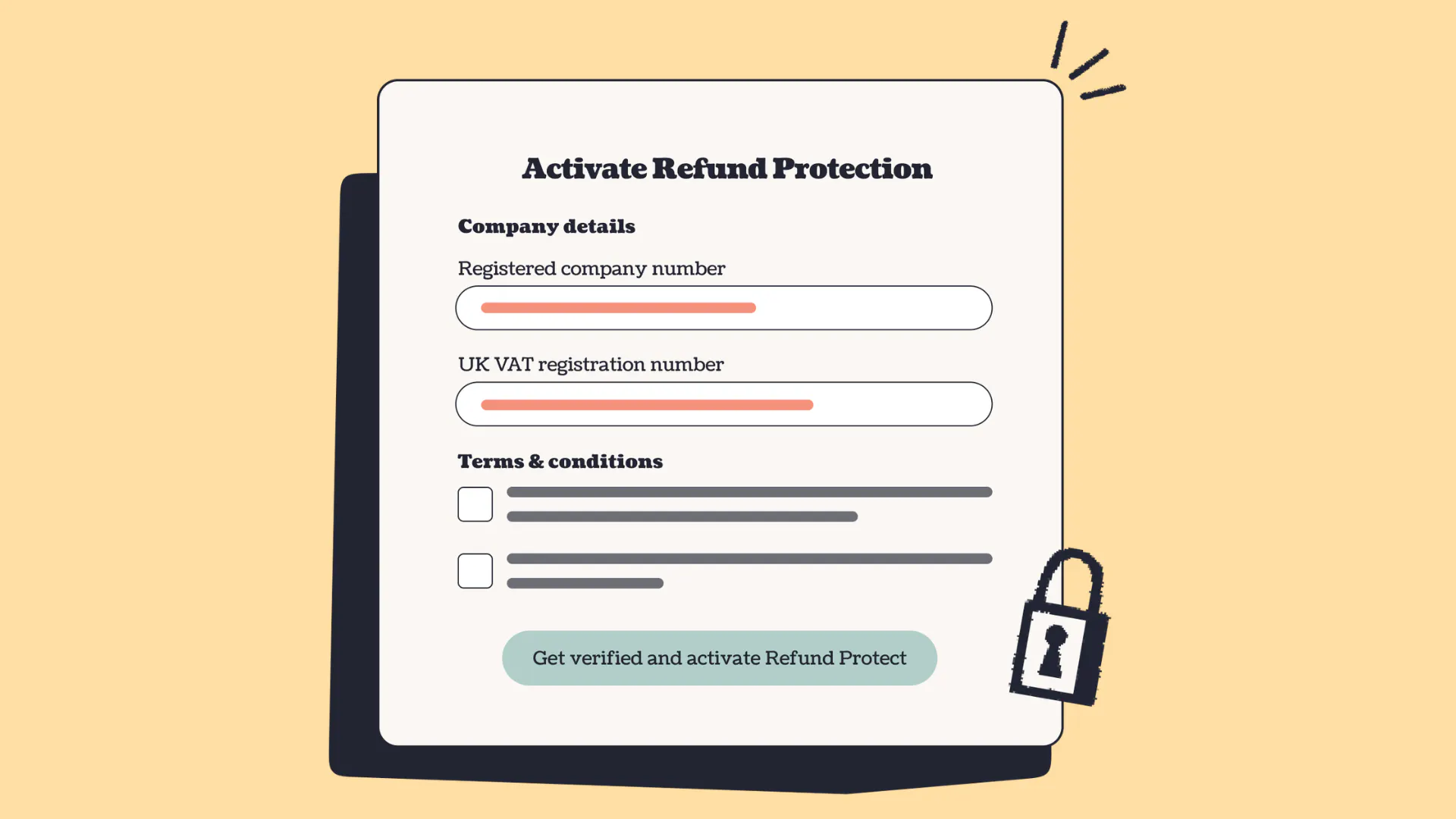
1. Offer Refund Protection
Life is unpredictable. Illness, travel disruptions, unexpected clashes… And your buyers know this as well as you do. Refund Protection gives them the peace of mind that if the worst happens, they can get their money back without having to come to you.
When you activate Refund Protection in your box office, your ticket buyers can opt in to pay a small amount on top of their ticket price, giving them the ability to claim a hassle-free refund for covered circumstances. The protection is provided by XCover (powered by Cover Genius), which means you keep your revenue, and the financial risk of the refund is handled for you.
It's completely optional for your buyers, and it doesn't add any admin on your end. It's one of the simplest ways to show your audience you've thought about them.
How to set it up: Head to 'Box office settings' then 'Refund protection' in your Ticket Tailor dashboard, and click 'Set up Refund Protection'. You'll need to be a registered company or charity in the UK or US to be eligible.
Full guidance is available on our help center
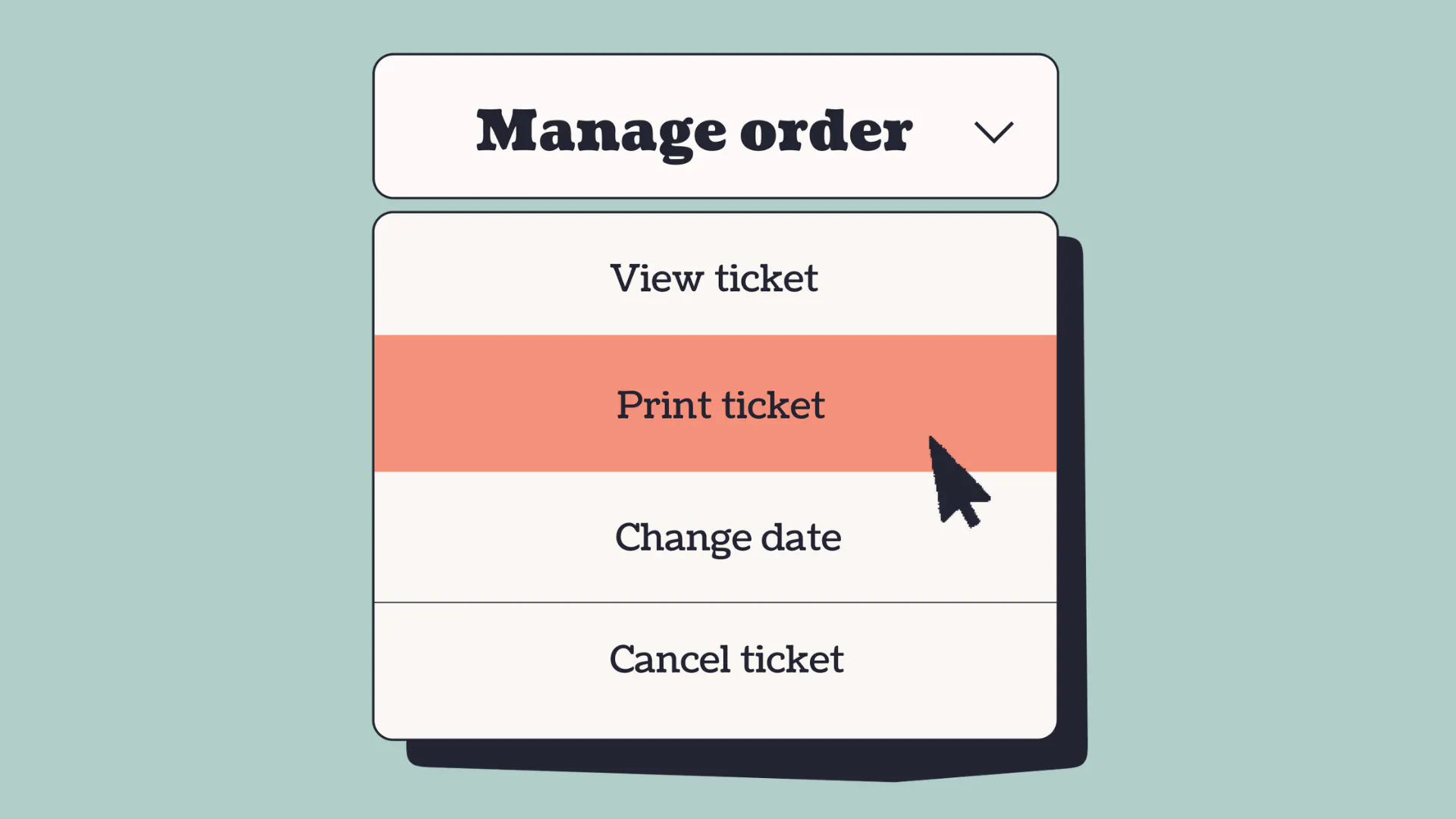
2. Enable self-serve order management
Nobody wants to send an email and wait for an overstretched box office manager to reply to them too late. When something changes and plans shift, your buyers want to be able to sort it themselves, quickly and easily.
Self-serve order management lets your ticket buyers handle their own orders from a 'Manage tickets' button on your event page. Set in accordance with your refund policies, they can view and download tickets, resend their confirmation, cancel, or transfer their order. You decide exactly what they can and can't do - so you stay in control, while they feel looked after.
Another huge benefit of offering self-serve order management for your buyers is that it also saves you time. Less back-and-forth. More headspace for the things that matter.
How to set it up: Head to 'Box office settings', then 'Self-serve' in your dashboard. Use the checkboxes to customize exactly what your buyers can manage.
Find the full guide here
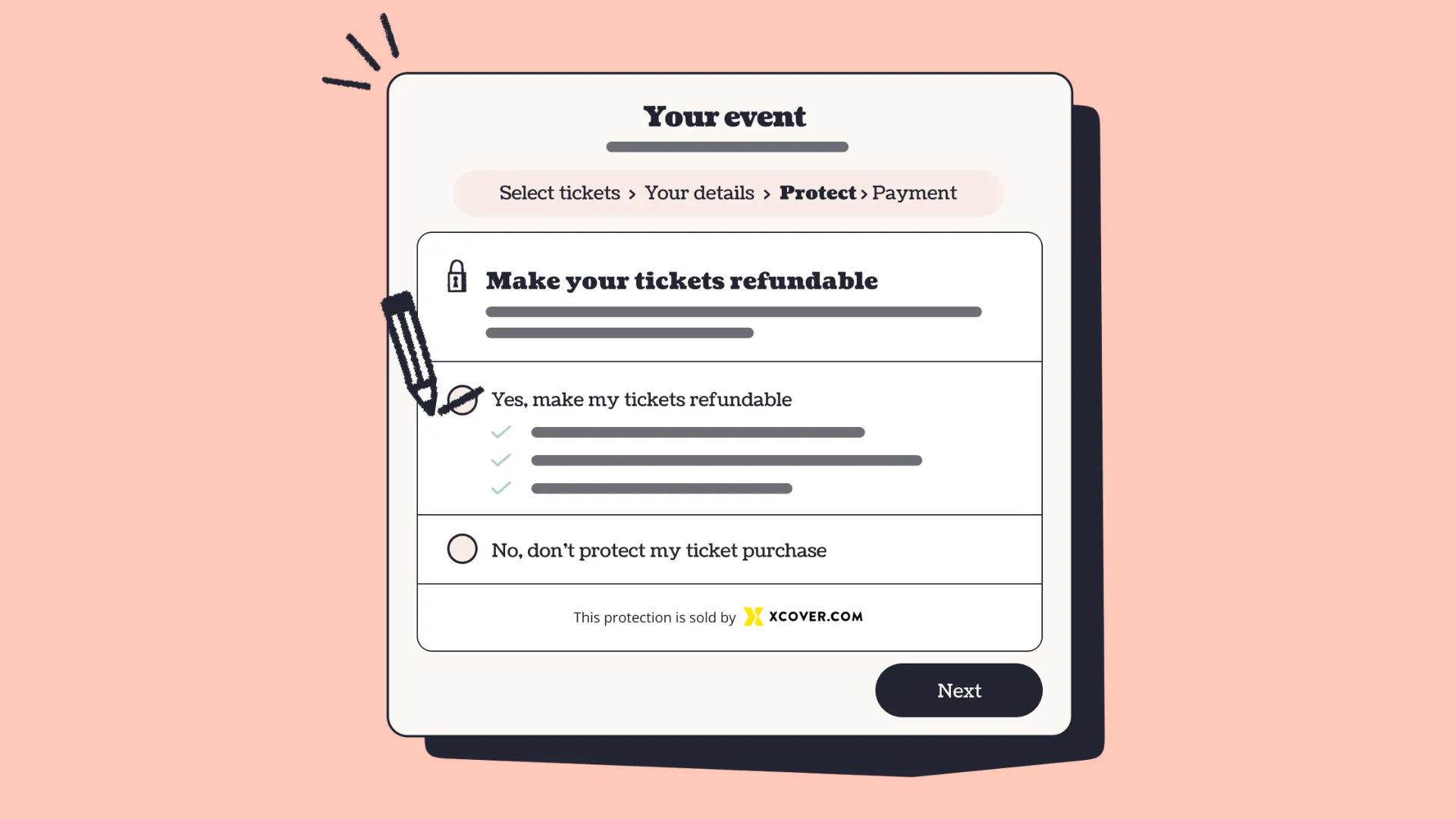
3. Add a clear refund policy to your checkout
Transparency builds trust. If buyers know your refund terms before they pay, there are no nasty surprises; and that clarity actually helps people commit.
You can add a terms and conditions agreement directly to your checkout form, which means buyers have to confirm they've read your refund policy (or any other terms) before completing their purchase. You set the wording, so you can be as specific or as simple as you like.
It's a small thing, but it removes ambiguity in the buying journey.
How to set it up: From your event, click on 'Checkout form' under the edit section. Select 'Add a buyer only question', then choose 'Terms and conditions agreement' from the dropdown.
For full instructions, visit this help center article
4. Tackle the resale problem with ethical resale via Tixel
Ticket scalping is one of the fastest ways to lose your audience's goodwill. When buyers find their tickets being sold at inflated prices on dodgy third-party sites, or worse, discover a ticket they bought second-hand isn't valid at the door, it damages your event's reputation - even when it's not your fault.
Ticket Tailor's integration with Tixel gives your buyers a safe, fair, and fully verified way to resell their tickets if their plans change. When a ticket is resold through Tixel, the original ticket is cancelled and a brand new one is issued to the new buyer, and visible in your Ticket Tailor box office - meaning every ticket sold on Tixel is 100% genuine. You can also cap resale prices, so your audience knows they won't be paying over the odds.
Tixel's own data shows that 90% of listed tickets sell in just four days, which means fans who might hold off buying because they're unsure about their plans are far more likely to commit if they know there's a safe exit route.
It's free for you as an event organizer, and setup takes just minutes.
How to set it up: Log into your Ticket Tailor dashboard and head to 'Connect apps'. Find Tixel and follow the integration steps.
Full instructions to integrate with Tixel are here
Small changes for a big difference
Trust is built in the details. It's the refund option they didn't know they needed. The 'manage tickets' button that saves them a stressful email. The resale link you shared when they couldn't make it any more. The terms they could read before they clicked 'buy'.
None of these things are complicated to set up. But together, they send a clear message to your audience: we've got you.
And that's the kind of thing people remember not just for one event, but for every one that comes after it.
Ready to give your buyers more confidence? Log in to your Ticket Tailor box office and explore the settings above, or sell your tickets with www.tickettailor.com today